Phygital practice: why the next generation wants less screen, not more.
A practical guide for music educators and edtech builders: what "phygital" really means, why it's surging now, and how Blini uses it to drive motivation and retention. 16 min read.
Why phygital is happening now
"Phygital" isn't a buzzword for "add an app." It's a cultural correction. Students are learning (and living) in a world where attention is constantly for sale. Many are now actively pushing back: deleting social apps, limiting screen time, and choosing products that feel slower, simpler, and more controlled.
Schools are also shifting. After a decade of "device everywhere," administrators and teachers are reassessing what screens actually do to focus, classroom behavior, and deep learning. The result: growing interest in constraints, rituals, and tools that keep students present.
Key insight
When every product in a category says "more digital, more features," the bold move is to pick the opposite stance,
and embody it in a physical object and an IRL ritual.
— Blini Phygital Playbook (internal)
What "phygital" actually means
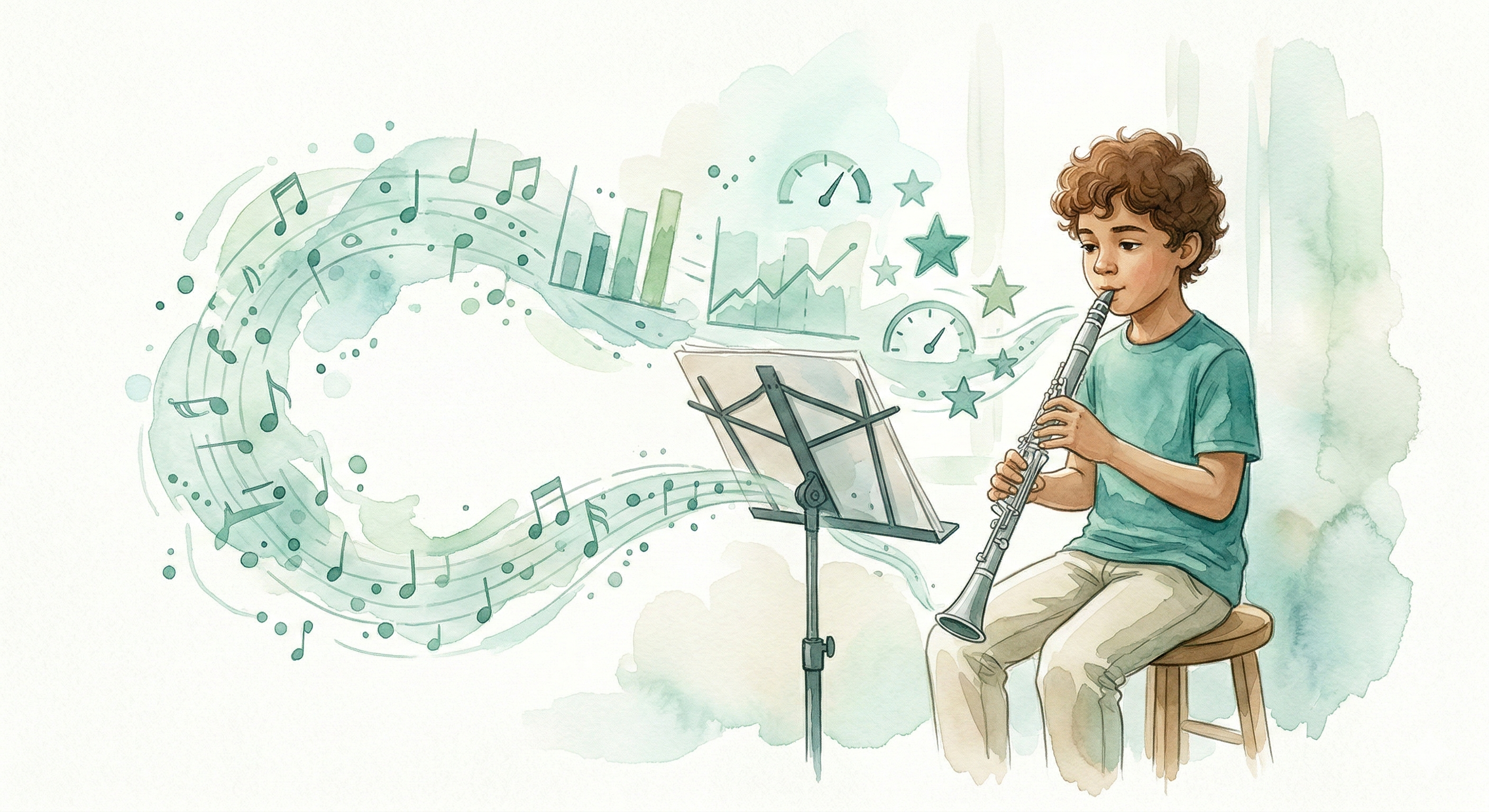
A phygital experience is designed around a physical anchor : an object you can hold, share, and build rituals around, with a digital layer that supports the experience without replacing it.
In practice, phygital works when the physical layer does the "in‑the‑moment" job (focus, action, ritual), and the digital layer does the "after‑the‑moment" job (reflection, organization, community, rewards).
Physical anchor
The object is the interface. It reduces distractions and makes the habit feel real.
Ritual + constraint
Simple actions (press, clip, plug) create a repeatable habit loop.
Digital reflection
The app is not the activity. It is where progress is viewed, organized, and celebrated.
Musicians already have their physical anchors
Here's what makes music different from most edtech contexts: the physical layer already exists. A musician's workspace is built around objects that have remained essentially unchanged for centuries: a pencil, a sheet of music, an instrument, and a music stand. These aren't accessories. They are the practice experience.
Most practice apps ignore this entirely. They ask students to leave their physical world and enter a digital one: open a phone, launch an app, navigate a menu, tap "start." Every step pulls the student further from the instrument sitting in their hands.
Blini takes the opposite approach. Instead of replacing the musician's existing tactile world, it joins it, as quietly as a pencil sitting on a music stand.
The best phygital products don't ask users to adopt a new physical world. They earn a small place inside the one that already works. For musicians, that world is stand, score, pencil, instrument. Blini is designed to be the fifth object on that list.
How Blini applies phygital (screens down. music up.)
Blini is built around a simple premise: the center of practice should be the musician, the instrument, and the sheet music, not a phone or a Chromebook. So Blini makes the physical world the default, and uses digital only when it adds meaning.
The Blini loop
This structure is not accidental. It's designed to support motivation by strengthening the most fragile part of music learning: the moment when a student wonders, "Am I getting better?" Phygital makes progress visible without pulling the student away from the instrument.
Practical phygital ideas that work in classrooms
Phygital works best when you can point to something students can hold, teachers can display, and the group can rally around. Here are classroom‑friendly patterns we're exploring for Blini: let us know your thoughts and what you'd like to see!
Try the digital half of the phygital experience.
eBlini is free in your browser — no device needed.